
QR-V Code™
Verifiable QR Codes Powered by the QR-V Verification Network
A QR-V Code™ is a QR code that resolves to a verifiable registry record instead of simply redirecting to a web page.
Traditional QR codes only point to URLs.
QR-V codes point to cryptographically verifiable records stored in a registry.
This transforms QR technology from a simple link into a verification system for identity, documents, products, and credentials.
The QR-V system is part of the Global QR-V Verification Network (GQVN™).
What Makes QR-V Different
Traditional QR codes have several major weaknesses:
• no authenticity verification
• easy to clone or replace
• no issuer validation
• no authoritative record
A QR-V Code solves these problems by linking each QR code to a registry-anchored verification record.
Instead of storing data in the QR code itself, the QR code contains a QR-V identifier that resolves through the verification network. QR-V™ Global Verification Stand…
How a QR-V Code Works
The QR-V verification process follows a deterministic architecture.
Step 1 — QR-V Record Created
An issuer creates a verification record in the QR-V registry.
The record contains:
• record identifier
• issuer metadata
• timestamps
• verification status
• cryptographic hash
The registry becomes the authoritative source of truth for that QR-V identity.
Step 2 — QR-V Identifier Generated
A unique identifier is created for the record.
Example:
QRV://registry/8AF3D921X
This identifier represents the record inside the QR-V registry system.
Step 3 — QR-V Code Generated
A QR code is generated containing the identifier resolution link.
Example verification link:
https://verify.qrv.network/registry/8AF3D921X
When scanned, the code initiates a verification request.
Step 4 — Verification Occurs
The system performs the verification workflow:
Scan QR-V Code
      ↓
Resolve QR-V Identifier
      ↓
Query Verification Registry
      ↓
Validate Record Integrity
      ↓
Return Verification Result
The result confirms whether the QR-V record is authentic and valid.
Example Verification Result
Verification ResultStatus: VERIFIED ✓
Issuer: Global Certification Authority
Record Type: Certificate
Issued: March 5, 2026
Integrity: VALID
This verification confirms that the QR-V code corresponds to an authentic registry record.
Types of QR-V Codes
The QR-V system supports many types of verifiable records.
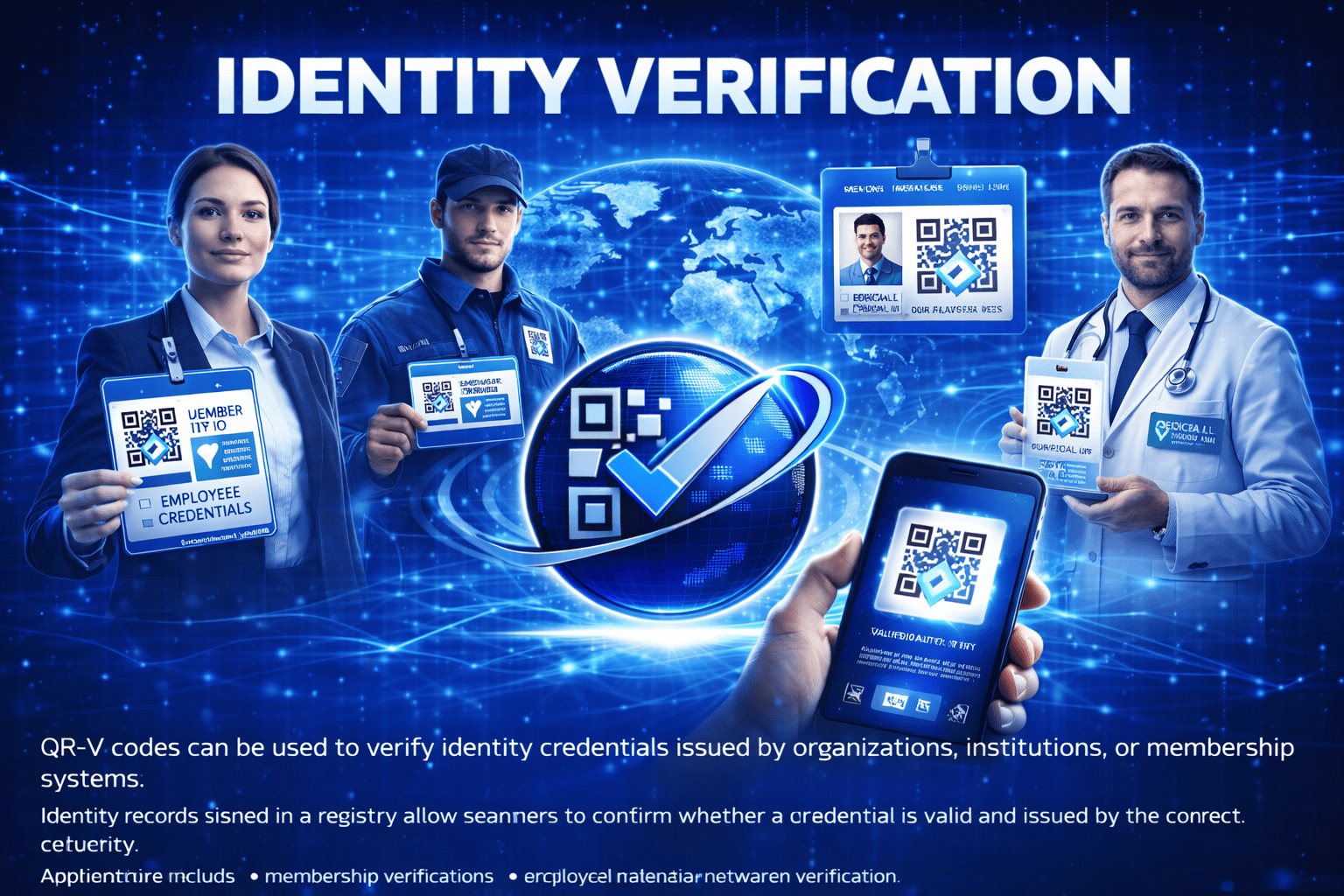
Identity Credentials
Examples:
• employee IDs
• membership credentials
• institutional access cards
• professional licenses
Certificates and Diplomas
Examples:
• training certificates
• university diplomas
• professional certifications
• compliance credentials
Product Authentication
Examples:
• luxury goods verification
• electronics authenticity
• pharmaceutical packaging verification
• anti-counterfeit labels
Document Verification
Examples:
• legal agreements
• notarized documents
• contracts
• compliance records
Asset and Property Records
Examples:
• real estate documentation
• asset ownership records
• equipment identification
• digital asset certification
QR-V Network Infrastructure
QR-V operates through a distributed verification infrastructure organized under the root domain:
qrv.network
Core network services include:
• verify.qrv.network — public verification portal
• registry.qrv.network — verification registry datastore
• explorer.qrv.network — registry inspection interface
• developers.qrv.network — developer resources
• issuer.qrv.network — record issuance platform Domain Acquisition Record QR-V™…
These services form the operational backbone of the Global QR-V Verification Network.
Security Advantages of QR-V Codes
QR-V codes provide several important security improvements over standard QR codes.
Registry-Anchored Records
Each QR-V code references an authoritative record stored in the verification registry.
Cryptographic Validation
Registry records may include cryptographic hashes and signatures to ensure integrity.
Issuer Authentication
Verification results identify the organization that issued the record.
Revocation Control
Records can be revoked or updated if credentials become invalid.
Verification Audit Trails
Verification activity can be logged for audit and compliance purposes.
Creating a QR-V Code
Organizations can create QR-V codes through the QR-V Issuer Portal.
The Issuer Portal allows organizations to:
• create verification records
• generate QR-V codes
• manage issued records
• revoke invalid credentials
• track verification activity QR-V™ Issuer Portal
Generate a QR-V Code
To create a QR-V code:
- Log into the Issuer Portal
- Create a verification record
- Generate the QR-V code
- Embed the code in a document, product, or credential
Start Using QR-V
Organizations can begin issuing QR-V verification codes today.
Visit:
issuer.qrv.network
to create your first verifiable QR-V record.
There are no comments